Very happy that I found out you can get 12” firewood. This fits perfect in the sauna oven. Let it snow! 🥶🔥
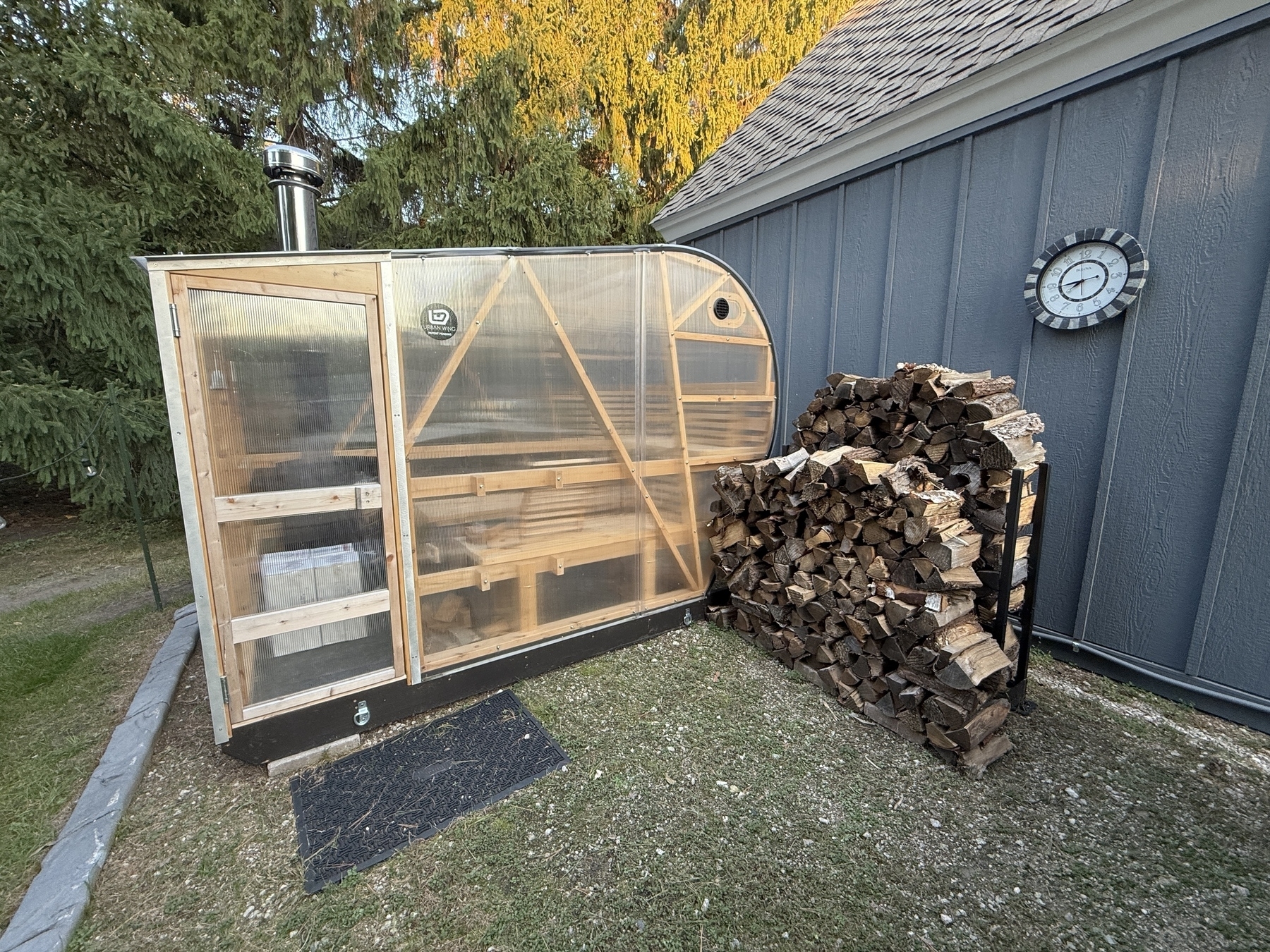
Very happy that I found out you can get 12” firewood. This fits perfect in the sauna oven. Let it snow! 🥶🔥
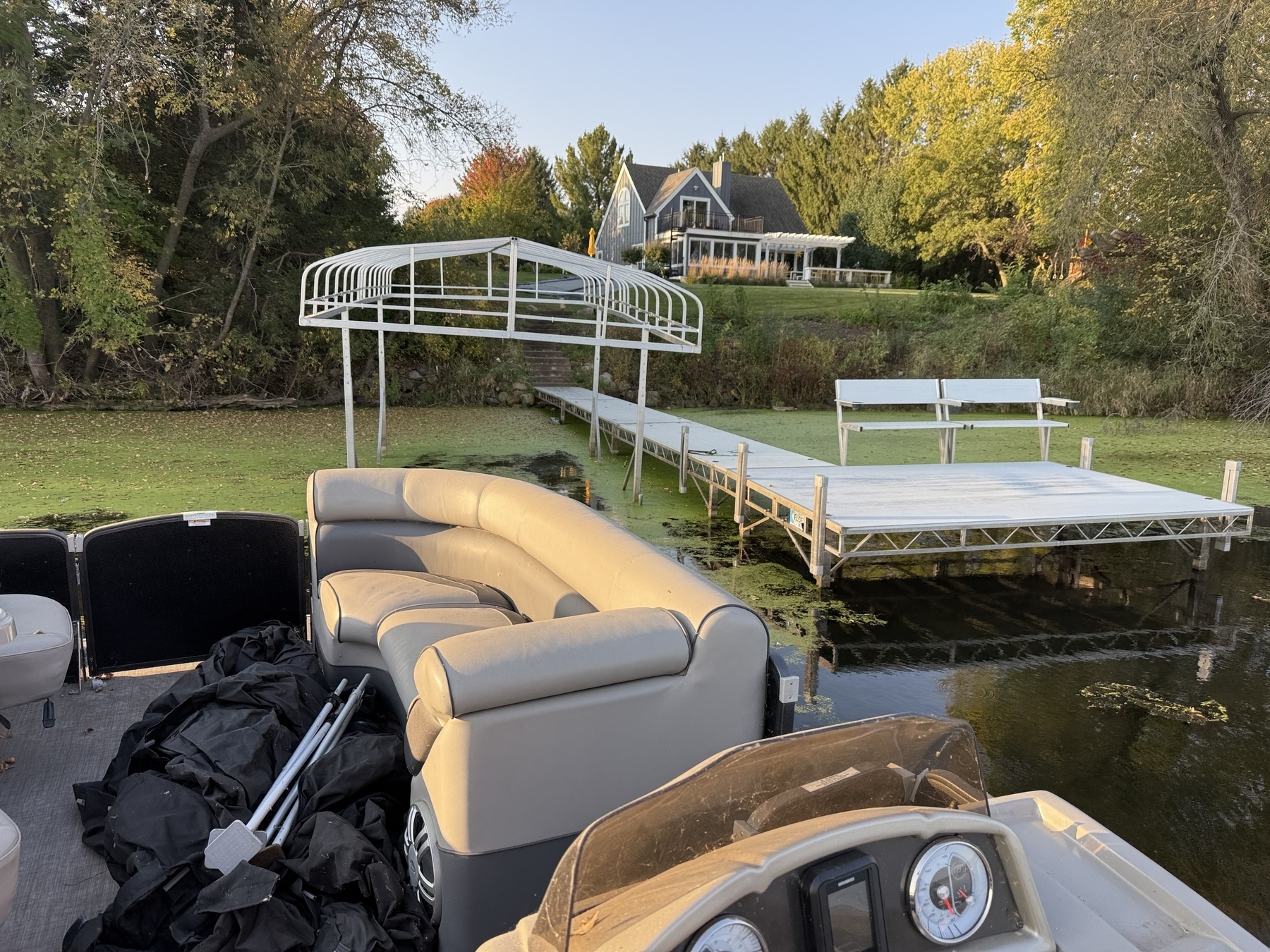
Taking my (very dirty) boat in for the winter.
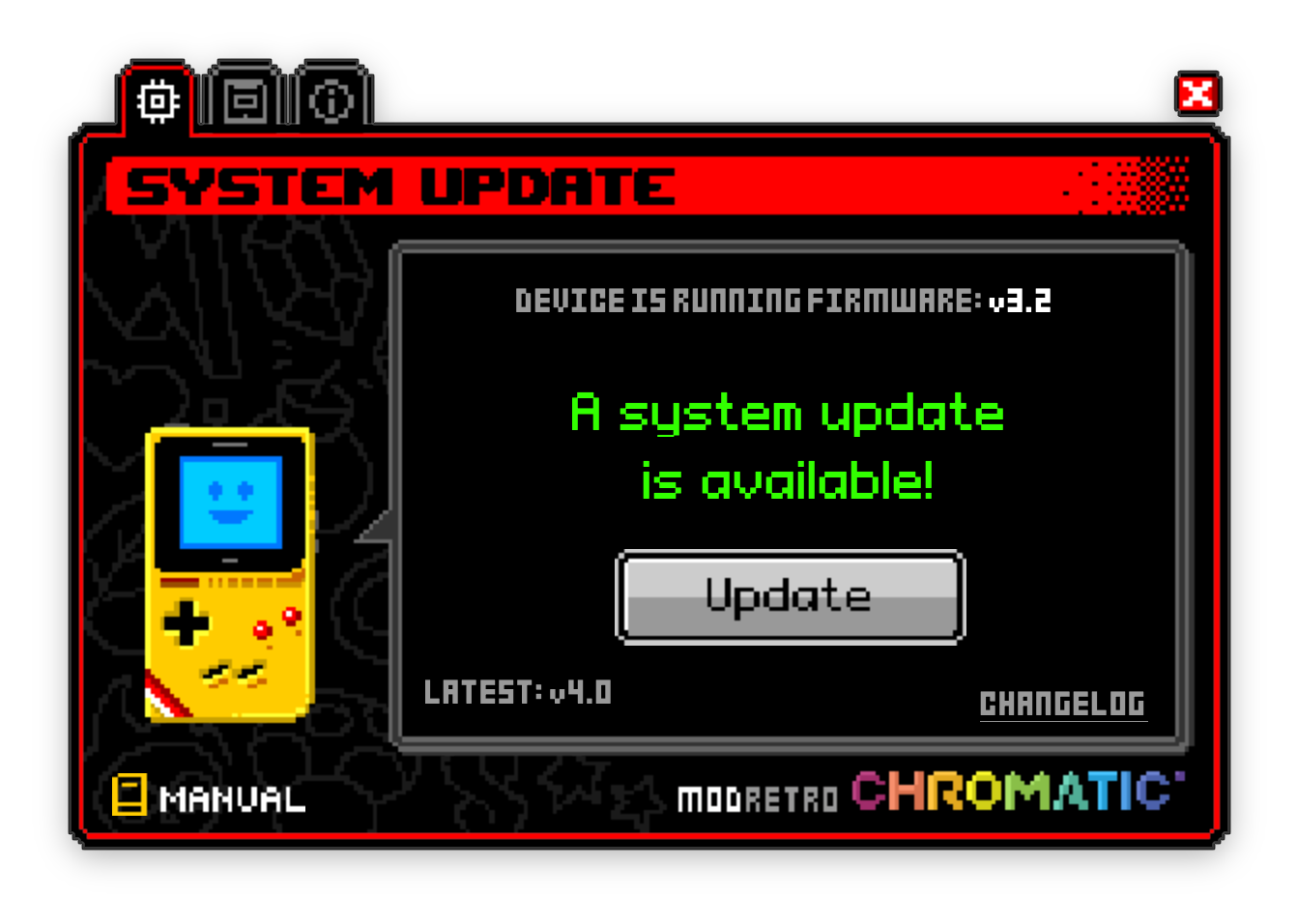
Chromatic firmware upgrade to 4.0! I love the retro vibe of the updater app. 🤩
Got my first immersive card in Pokémon TCG Pocket tonight — Pikachu ex. The videos for these are pretty cool.
John Prine had the answer to being “too online” before being online was even a thing.
Blow up your TV, throw away your paper,
Go to the country, build you a home,
Plant a little garden, eat a lot of peaches,
Try and find Jesus, on your own.
Spanish Pipedream released in 1971.
I never got a chance to see John Prine play. There is a list of bands that I really regret never seeing play live. Hüsker Dü is on it. So is The Replacements. And so is John Prine. When he passed away in 2020 I was sad that we lost such an amazing songwriter. I don’t remember how …
Keep reading · 1 minute: John Prine: Songs & Souvenirs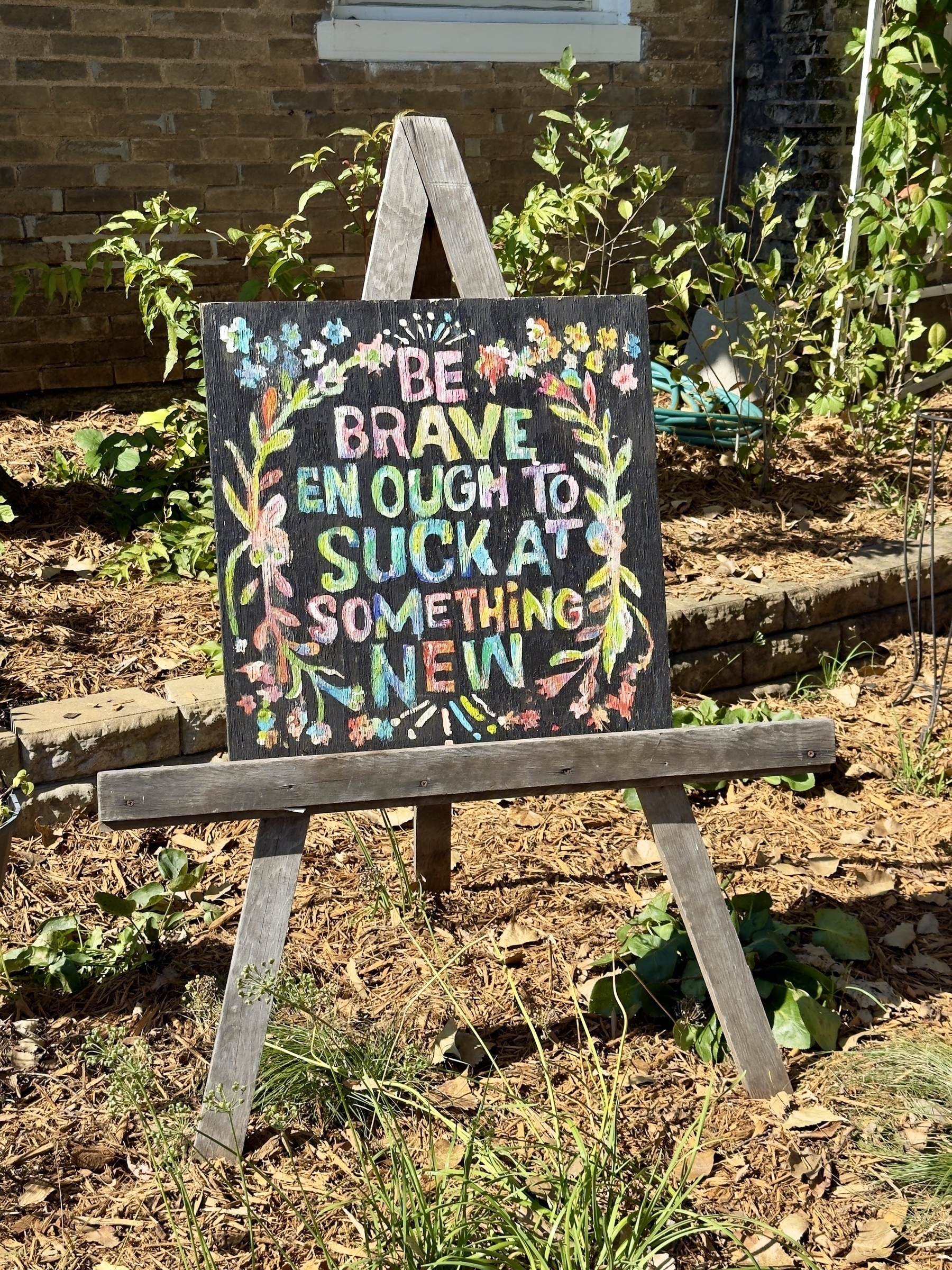
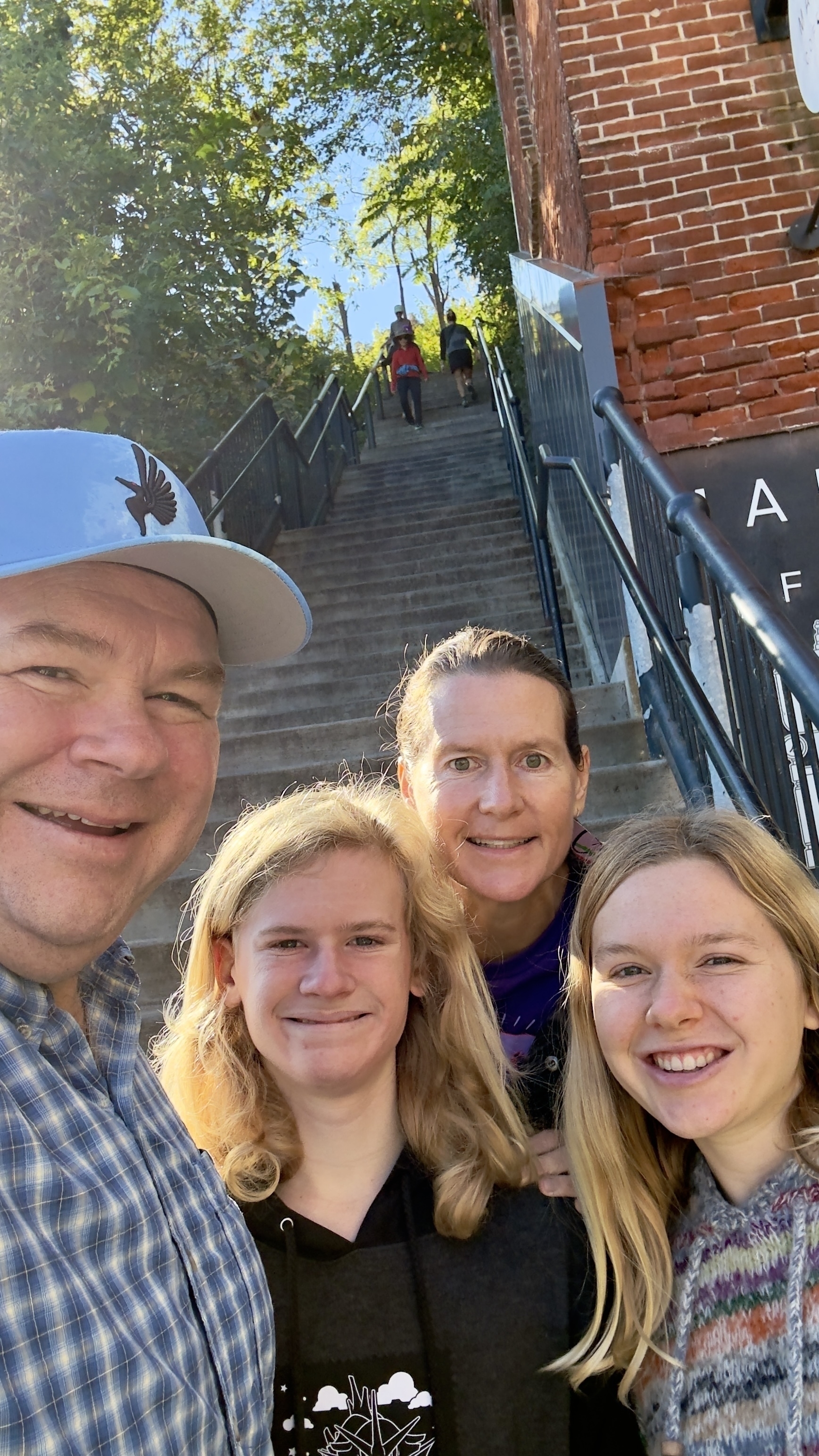
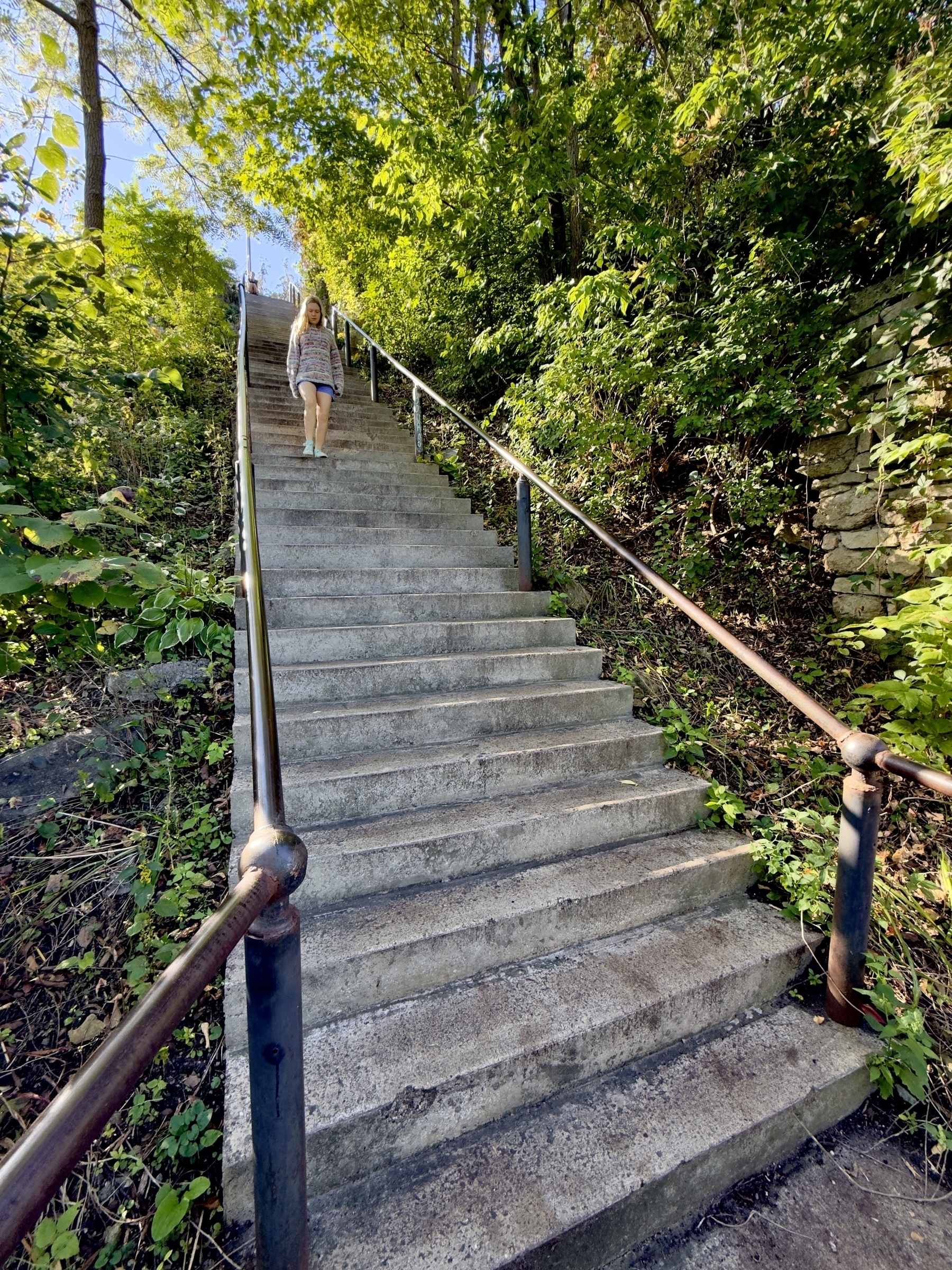
Climbing Stillwater’s Main Street Stairs.
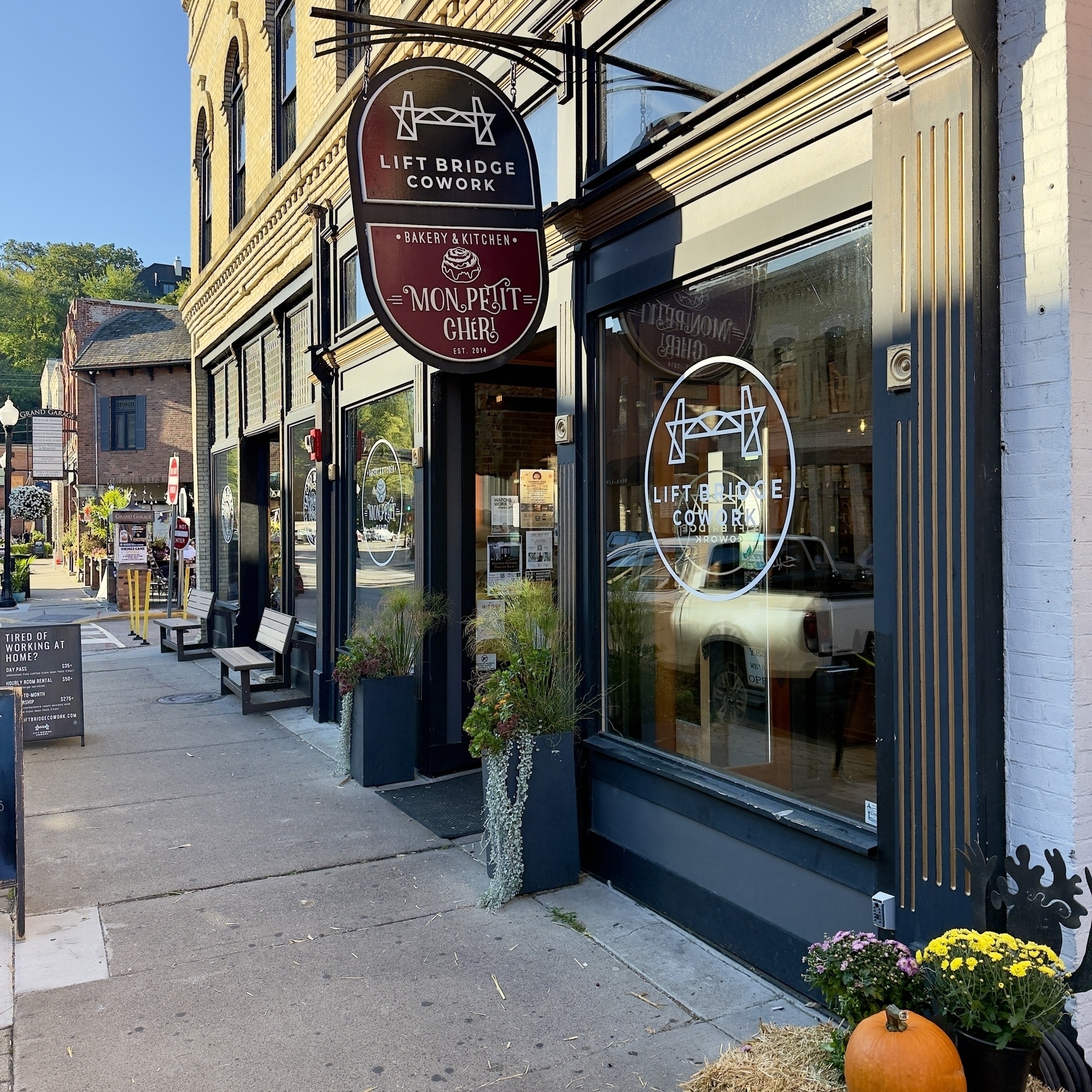
Off to Stillwater area this morning. Starting with breakfast at Mon Petit Chéri.
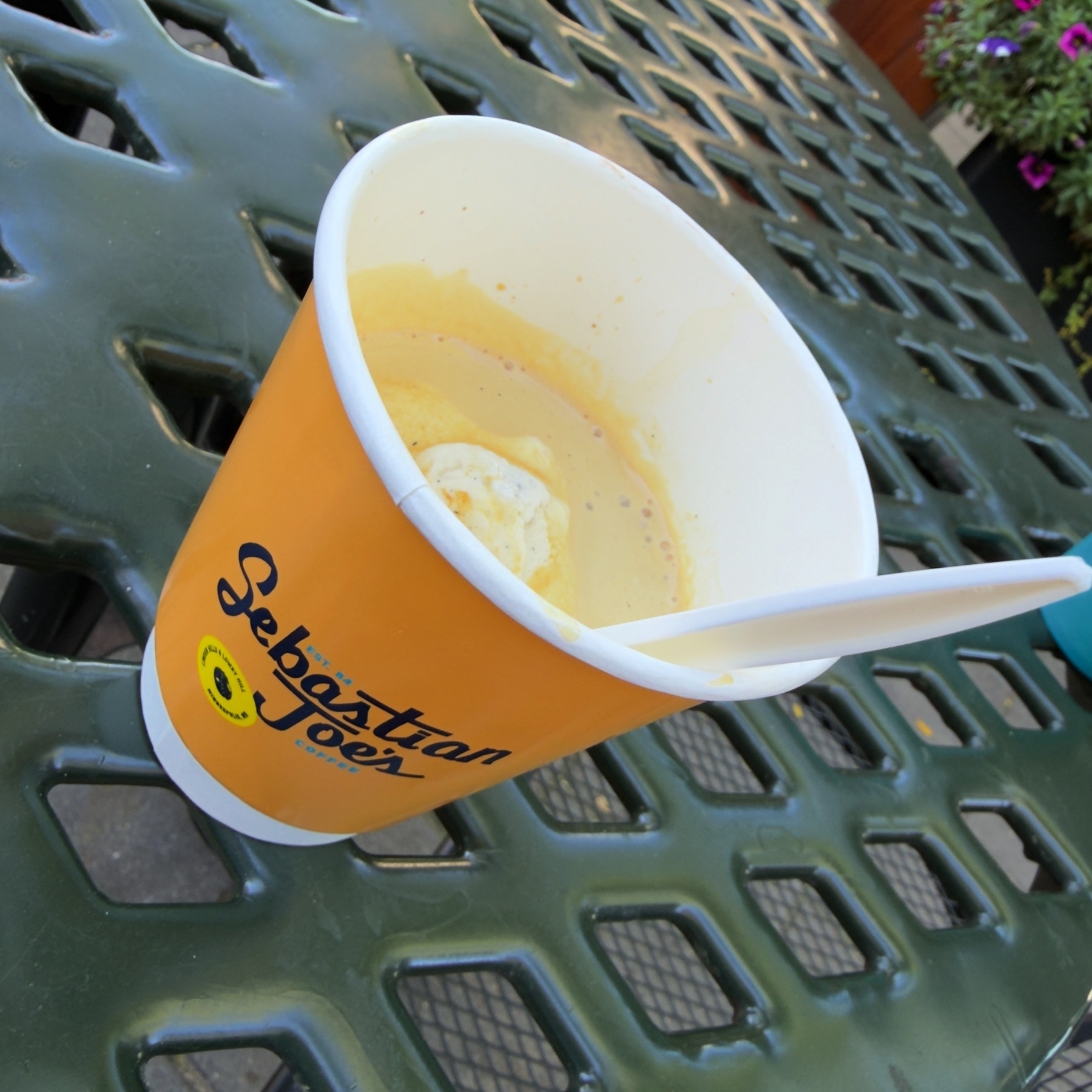
It seems that Affogatos are all of a sudden popular at a number of different places. Sadly, most places that have good ice cream have terrible coffee — and vice versa. However I was very impressed with Sebastian Joe’s delicious rendition — if only they didn’t put it in a paper cup. 🍦☕️